A Claude in meetings alternative you can see in the call
Want a Claude in meetings alternative that works on every platform? MeetStream puts your own AI agent into Zoom, Google Meet and Microsoft Teams. It joins under your product's name, speaks, posts in chat and acts on your tools.
What your agent does in a live call
Claude Meetings brings Claude into a team's own Google Meet calls. MeetStream gives you the same kind of agent inside your product, on all three major platforms, with Claude or another model as its brain.

Your agent appears in the call list as your product.
Say its wake phrase and it answers out loud.
Type a question, get the answer in the meeting chat.
Tasks, tickets and CRM updates while people talk.
It joins as a named participant
The agent appears in the call under the name you choose and posts a short note in the chat, so everyone knows it is there.
- A named tile in the call grid
- A joined notice in the chat
- Your own video frame
- Leaves when you tell it to
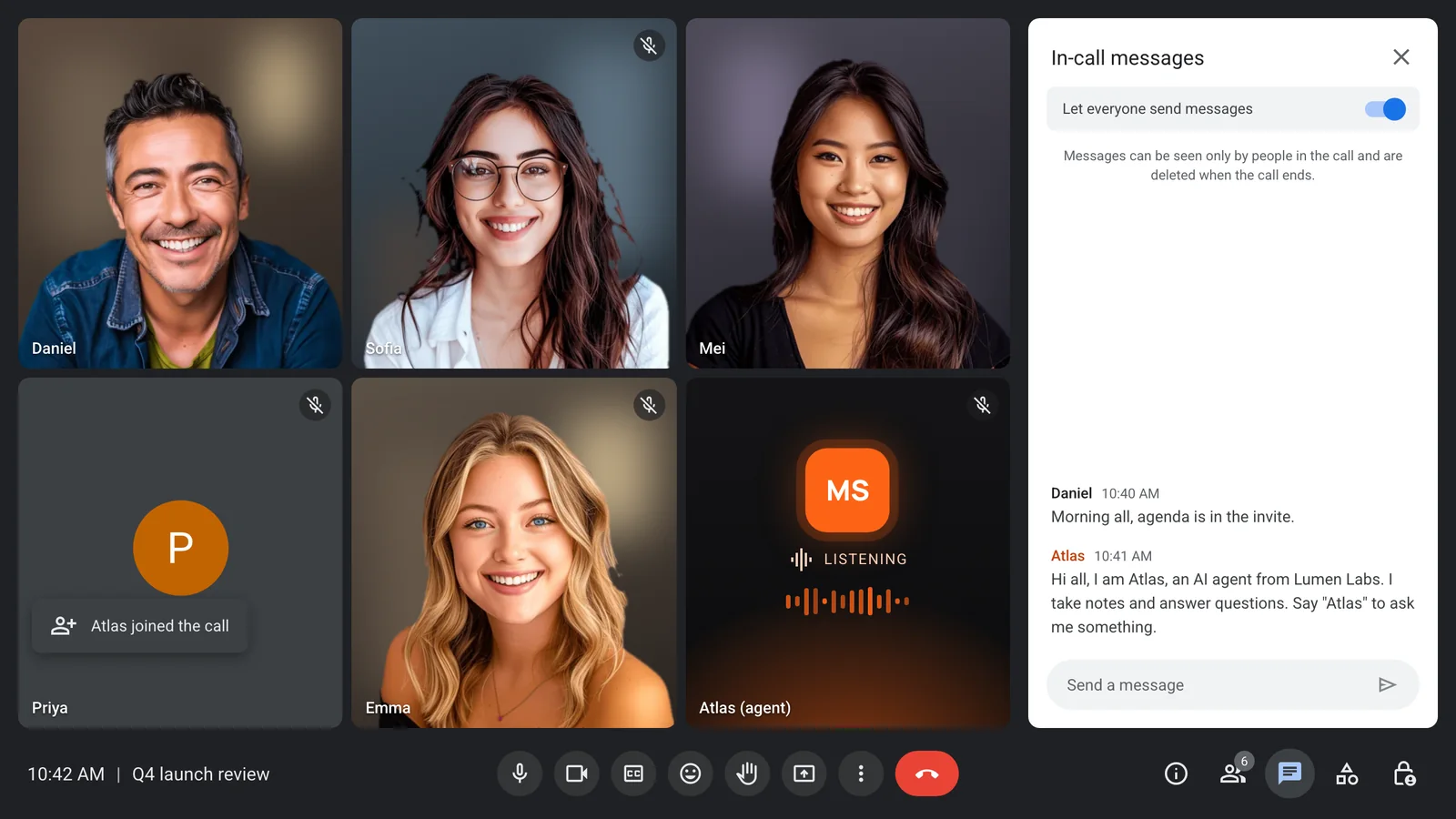
Ask out loud, hear the answer
People say the agent's name and ask. It answers in its own voice, and it stops the moment someone talks over it.
- A wake word you choose
- Spoken replies in the call
- Stops when someone cuts in
- Echo control built in
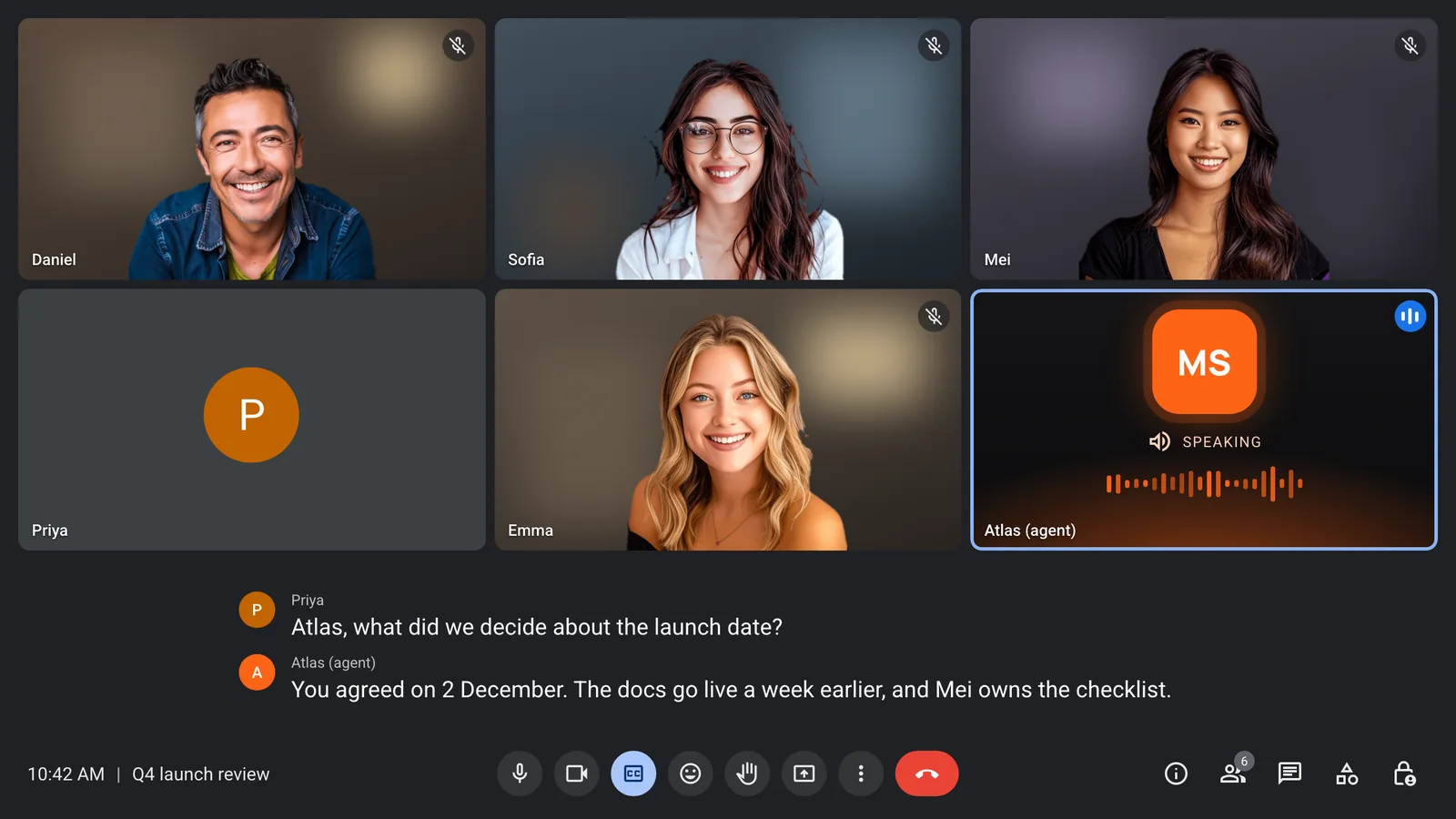
Ask in chat, get a list back
Some answers read better than they sound. The agent can reply in the meeting chat with lists, links and next steps.
- Questions typed in the chat
- Answers posted in the chat
- Lists, links and owners
- Chat only or chat and voice
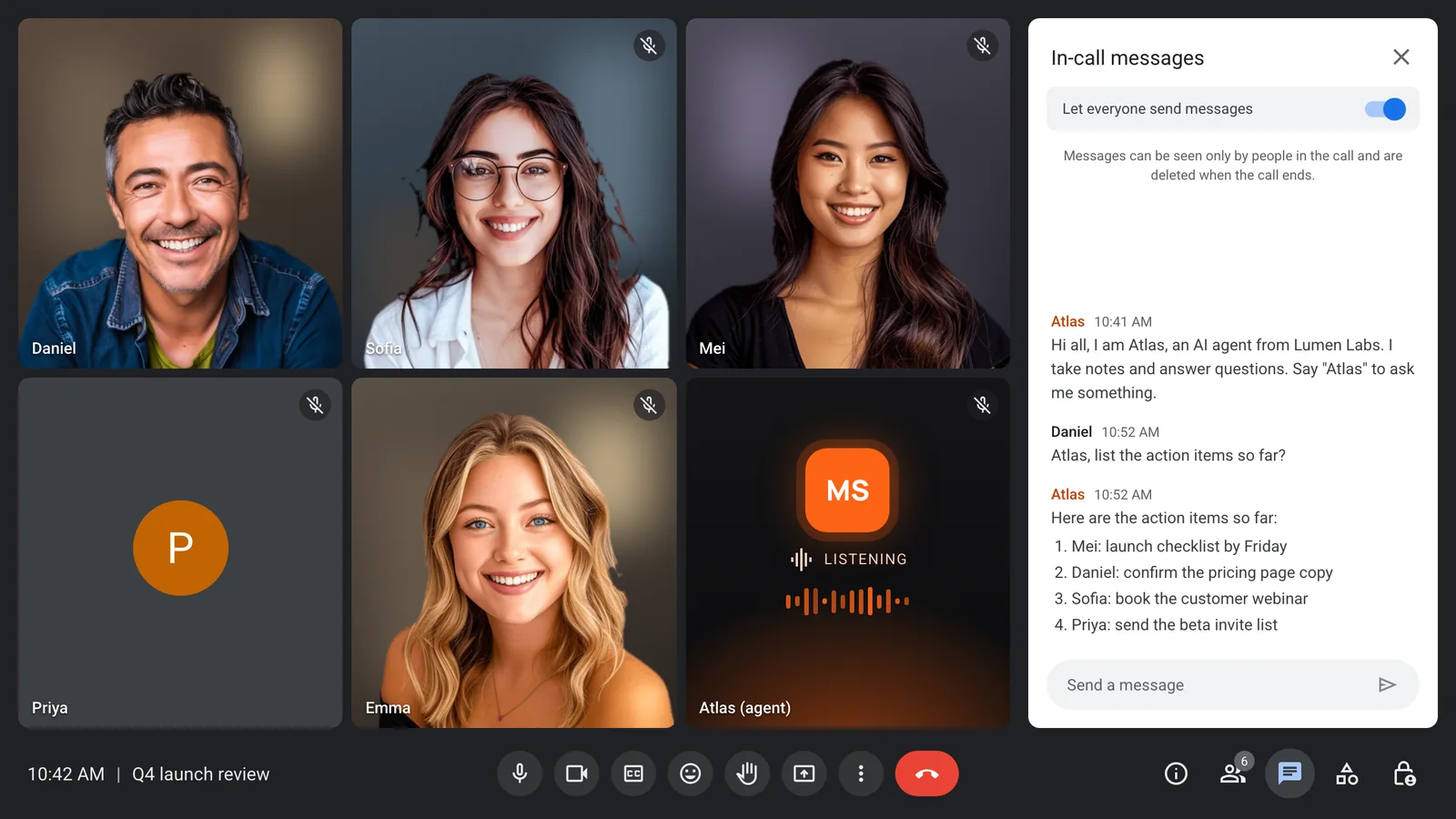
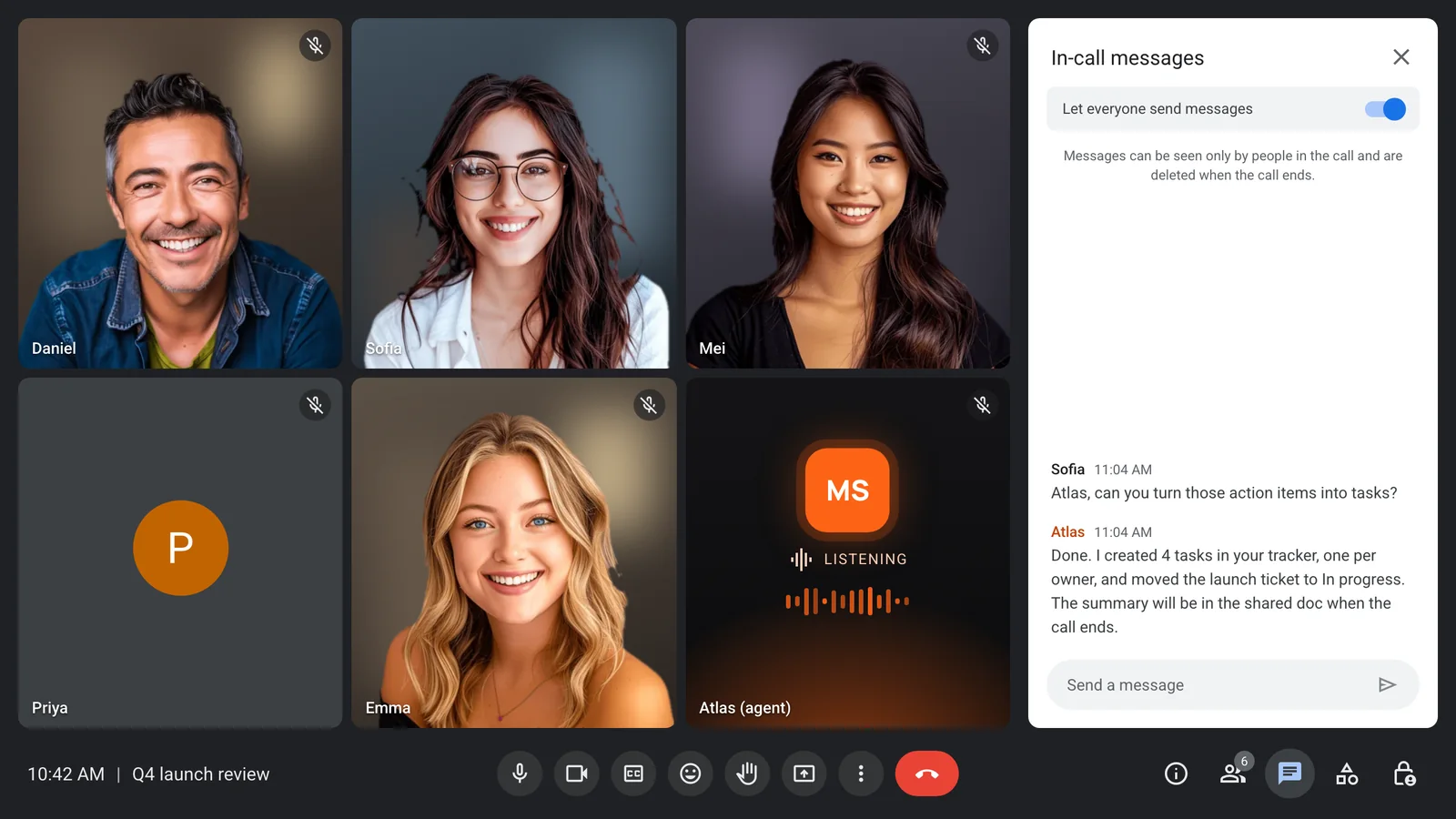
From talk to tasks before the call ends
Connect MCP servers or your own functions, and the agent can create tasks, move tickets and update records while the meeting is still going.
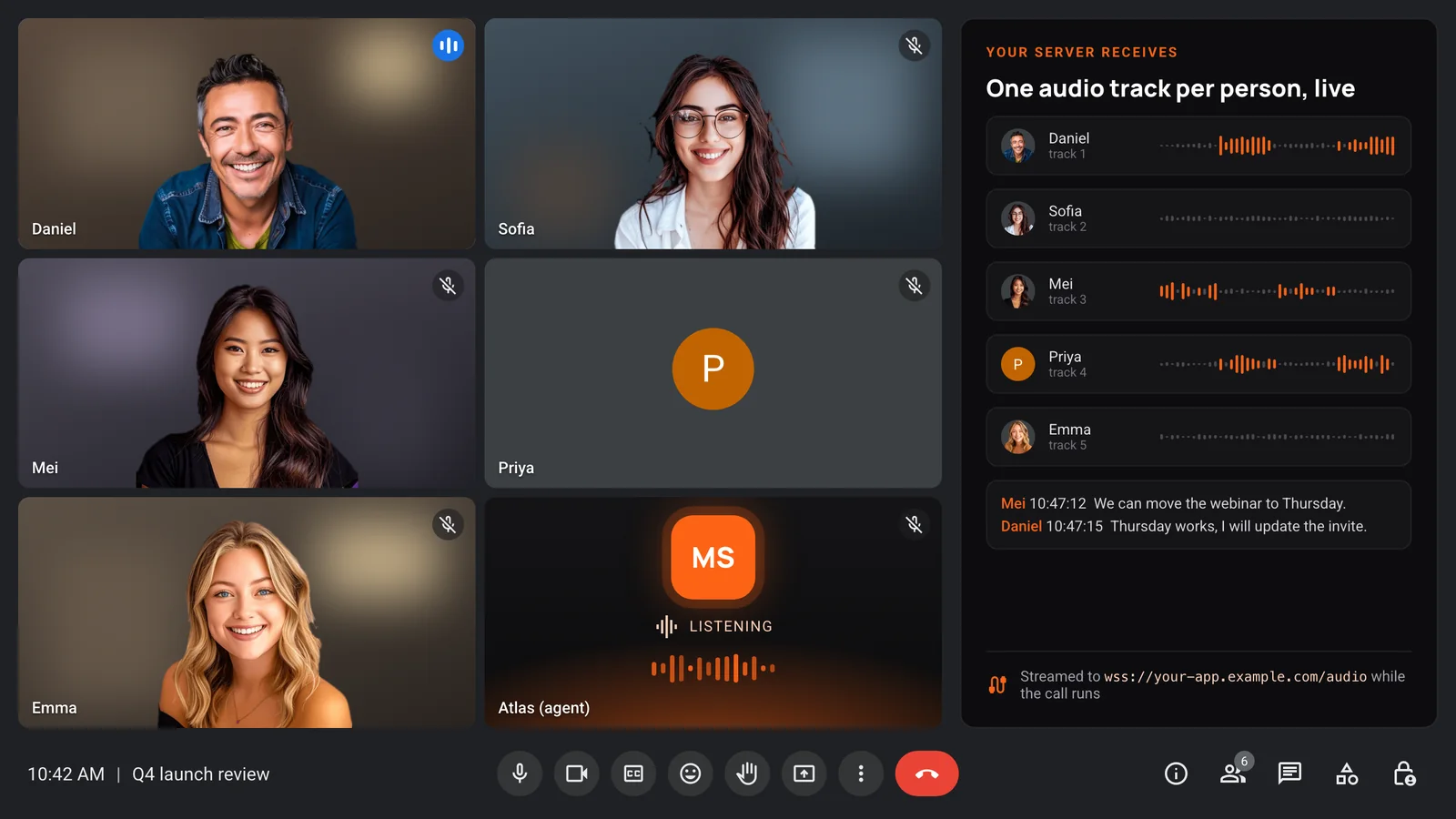
One audio track per person, live
Your server hears the room while the call is running, with a separate track for each person and transcripts that carry speaker names.
- Separate audio per participant
- Live transcripts with speaker names
- Video per participant too
- Over a WebSocket you host
It stays for customer and partner calls
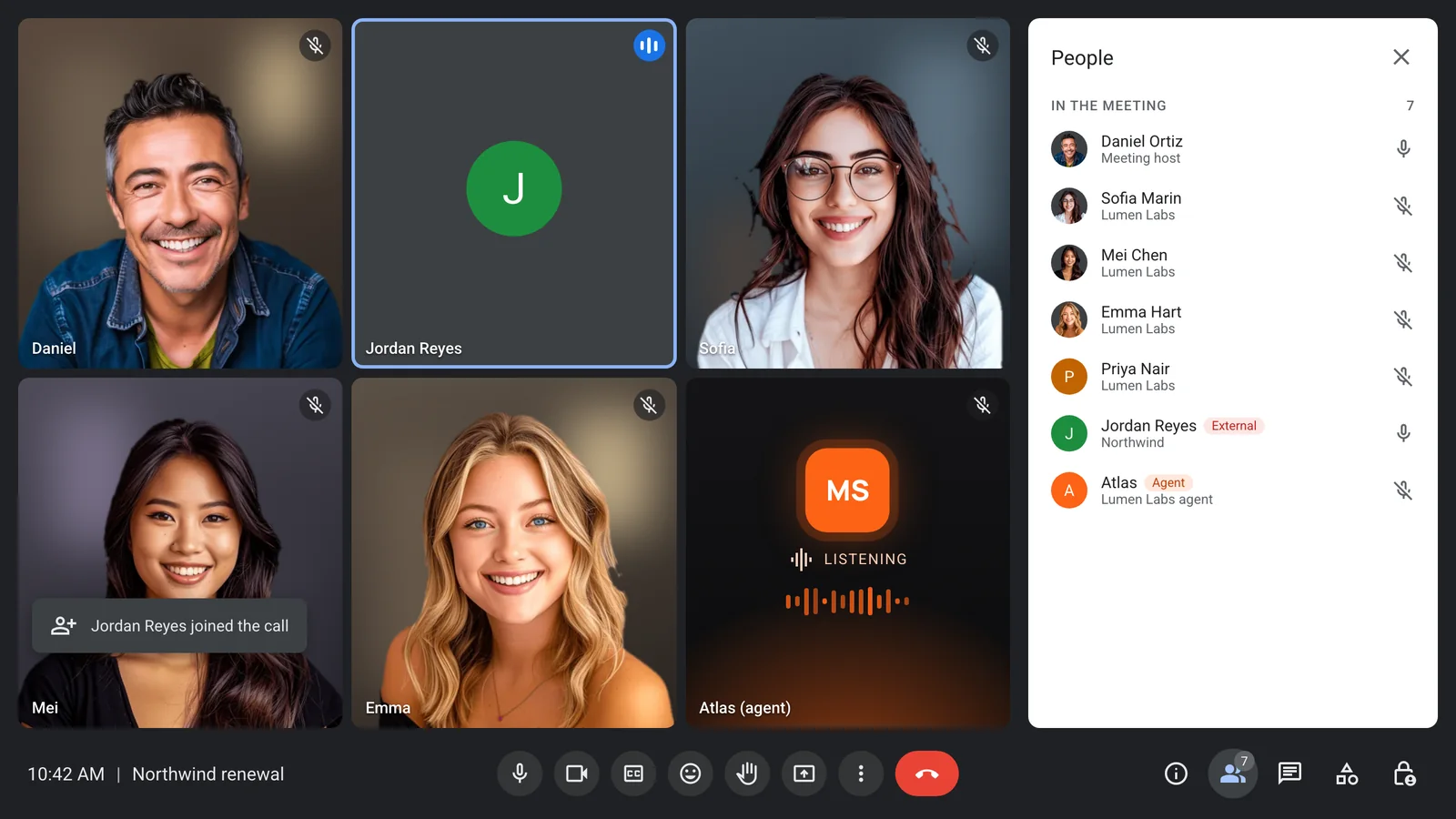
Sales calls, interviews and partner calls all have outside guests. Your agent joins them like any participant and stays when guests arrive.
- Works with outside guests
- Admitted like any participant
- Announces itself in the chat
- Your rules on when it leaves
Where each one fits
Claude Meetings, as of its 12 November 2026 beta, runs on Google Meet for Team and Enterprise plans and saves its notes in claude.ai. MeetStream is an API for agents inside your own product.
- Zoom, Google Meet and Microsoft Teams
- Claude, GPT, Gemini or Grok as the model
- Audio, transcripts and video in your systems
- Billed per hour of bot time
Enterprise-level security, keep your data private.
The certificate, the audit status and the Trust Center are all on the security page.
Keep recordings with MeetStream, or write them straight to your own storage bucket.
Support on Slack, email and chat, with a response inside one working day.
Concurrent bots scale on their own. There is no cluster for you to run.


Got a question? We got the answer.
Common questions about platforms, models, voice and data.
What is the best Claude in meetings alternative?
For a product that needs an agent in meetings, MeetStream. Your agent joins Zoom, Google Meet and Microsoft Teams, speaks or answers in chat, acts on your tools, and can use Claude as its model.
Can I still use Claude as the model?
Yes. Anthropic is one of the model providers in MeetStream's agent runtime. Add your Anthropic key and pick Claude, and MeetStream handles the call, the audio and the voice.
Which platforms does a MeetStream agent join?
Zoom, Google Meet and Microsoft Teams, from the same API request. The platform is read from the meeting link.
Does the agent work in calls with external guests?
Yes. The agent joins like any participant once it is admitted, and it stays when guests from other companies join. It posts a notice in the chat so everyone knows it is there.
Is MeetStream part of Anthropic?
No. MeetStream is an independent company. Claude is a model made by Anthropic, and a MeetStream agent can use it through your own Anthropic key.