Google Meet Bot API to Record, Transcribe, and Stream Google Meet
A Google Meet bot API sends a participant you control into a Meet call. MeetStream's joins from the link as a guest or a signed-in user, records and transcribes, streams live audio, and can speak for your AI agent.
What is a Google Meet bot API?
It puts a participant into a Meet call from your code, then hands the media back to your application. The guide on how to build a Google Meet bot shows the self-hosted route.

How do Google's own Meet APIs work?
Google's own surfaces work on Google's terms. Of the three platforms, this is the clearest case for a bot.
Returns only the recordings and transcripts Meet itself produced, behind a Restricted Drive scope.
A developer preview. The project, the principal and every participant must be enrolled in the conference.
The Media API caps at three, rotating between the loudest speakers in the call.
Limited to specific Workspace editions, and it stops after a total of eight hours.
The meeting bot API overview covers all three platforms.
Google Meet bots with no setup, even on free accounts.
A bot joins from the link, under a name you choose.
- No host permission neededSigned-in bots skip the waiting room on Workspace domains you control.
- Same request as Zoom and TeamsChange the link, nothing else.
- Speaker-attributed transcriptsEvery speaker is labelled on the transcript, turn by turn.
 Priya
Priya Daniel
What you get from every Google Meet call
Two artefacts have pages of their own: the Google Meet recording API and the Google Meet transcription API.
Why does Google Meet deny my bot?
Meet applies the host's access setting to every outside guest, so plan for admission from the start.
- The bot joins under a name you chooseHosts admit it the way they admit any external guest.
- A signed-in bot walks straight inOn an allowed domain there is no knock at all.
- The state at every stepParticipant events tell your app what happened.
Which Google Meet rules affect your bot?
Meet's rules are mostly about admission and edition, and Google is unusually blunt about bots.
| Google Meet rule | What it means for a bot |
|---|---|
| Native recording editions | Limited to that include it. Recording also stops after eight hours. |
| Bots and admission | With "Anyone can ask to join" unchecked, third-party bots are automatically denied access. |
| Access types | Open, Trusted and Restricted decide who has to knock before joining. |
| Consent | Admins can require Gemini notes consent, and anyone who declines is removed. |
| Admin guidance | An admin article titled "External apps are recording Meet meetings" lists blocking app domains. |
Admission outcomes, mapped to events
| Meeting access setting | What the bot sees | Event you receive |
|---|---|---|
| Open | Joins directly | bot.inmeeting, then bot.recording |
| Trusted (default) | Knocks and waits. Only hosts and co-hosts see the request, under host management | bot.in_waiting_room, then bot.inmeeting or bot.notallowed after waiting_room_timeout (600 s) |
| Restricted, or anonymous users blocked | Guest bot is refused | bot.denied; use a signed-in bot from an allowed domain |
| Bot on the invite as a signed-in account | Usually enters without knocking | bot.inmeeting |
A signed-in bot is the answer to the last two rows, and the Google Meet integration page has the Admin console steps. Meetings already on a calendar are joined through the Calendar API.
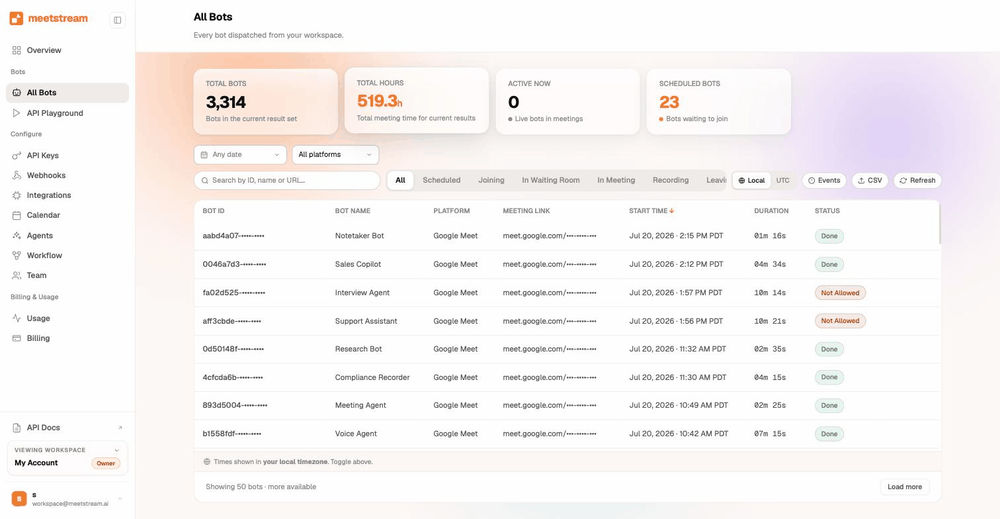
One integration for Google Meet, Zoom and Teams
The same request, the same webhook, the same files. Only the link changes.
- One API for all three platformsMeetStream reads the platform from the link.
- Calendar-driven joinsConnect Google Calendar and bots are booked ahead.
- Webhooks, not pollingEvery lifecycle event arrives on your endpoint.
- Bring your own storageWrite every file into your own S3 bucket.
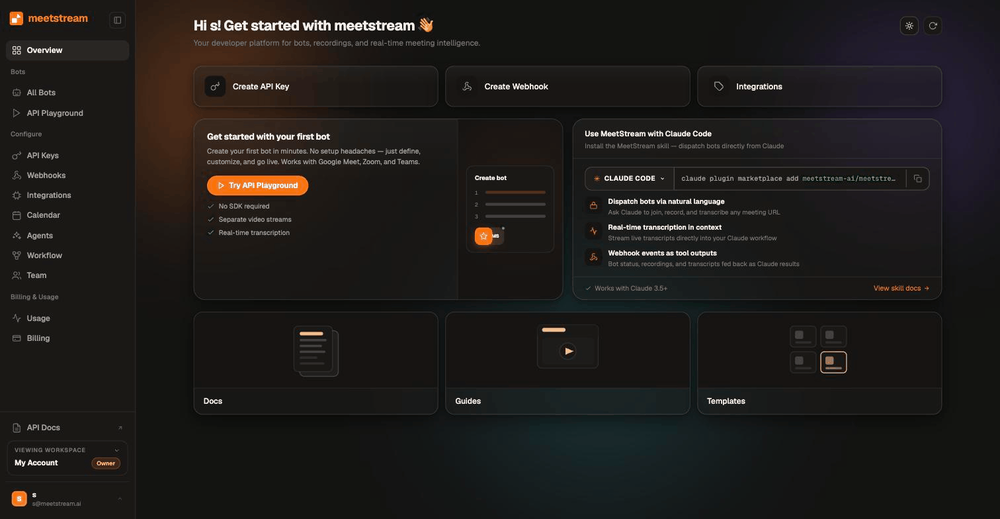
Send a bot into a Google Meet call
One request. The bot joins, records, and fires a webhook when the meeting ends.
curl -X POST https://api.meetstream.ai/api/v1/bots/create_bot \
  -H "Authorization: Token $MEETSTREAM_API_KEY" \
  -H "Content-Type: application/json" \
  -d '{
    "meeting_link": "https://meet.google.com/abc-defg-hij",
    "bot_name": "Acme Notetaker",
    "recording_config": { "transcript": { "provider": { "meetstream": {} } } },
    "callback_url": "https://your-app.example.com/meetstream"
  }'
Google Meet bot API pricing
A bot costs $0.35 per bot-hour. Transcription adds $0.10, and the rate falls toward $0.25 at volume.
Thirty days of storage is included. The pricing page has the full breakdown, and the Recall.ai comparison sets out the differences.
Enterprise-level security, keep your data private.
The certificate, the audit status and the Trust Center are all on the security page.
MeetStream is ISO 27001 certified, with SOC 2 Type 2 under audit.
MeetStream is GDPR compliant, and bots run in the United States by default.
Participant events tell your app the state at every step of the join.



Google Meet bot limits and defaults
Ask for a longer session on the create request, and the create bot reference names the field.
Got a question? We got the answer.
Common questions about Google Meet bots. How they join, what comes back, and what it costs.
How do I record Google Meet without a premium plan?
Native Meet recording is limited to specific Workspace editions. A bot joins as a participant and records on any edition, subject to the meeting's admission settings.
Can I record a Google Meet without being the host?
A non-host can only record natively if they are in the host's organisation with host management off, or if promoted to co-host. A bot records what it receives as a participant, so it does not need host rights, but it does need to be admitted.
Will Google Meet block my bot?
It can. Google documents that when a host unchecks 'Anyone can ask to join', third-party bots such as note takers are automatically denied. Plan for admission from the start. MeetStream sends participant events, so your app knows the moment the bot is in.
Can I get separate audio per participant on Google Meet?
Yes. The bot can return each participant's audio and video as its own media feed: turn on audio_separate_streams and video_separate_streams when you create it. Per-participant audio and video work on Zoom, Google Meet and Microsoft Teams.
Is the Google Meet Media API a viable alternative?
It is a developer preview today. The Cloud project, the OAuth principal and every participant enrol in the preview programme first. Google's pre-GA terms keep access inside your own company.
Does the Meet REST API let me download recordings?
Only recordings that Meet itself produced. So someone had to turn native recording on, and access needs a Restricted Drive scope. Transcript entries are deleted 30 days after the conference.
Is there a time limit on Google Meet recordings?
Google's native recording stops automatically after eight hours. A MeetStream bot records for four hours by default and up to five hours when you raise the limit through the API.
Do participants get notified that the meeting is recorded?
Yes. Meet notifies participants when recording starts and warns people who join later. Admins can go further and require explicit consent. Then anyone who declines is removed from the call.
What does a Google Meet bot cost?
$0.35 per bot-hour for recording, $0.45 per hour with transcription, dropping toward $0.25 at volume. Thirty days of storage is included and every account starts with $5 of free credit.
Can the bot post a message into the Meet chat?
Yes. The Send Message API lets the bot announce itself in the room. That is good practice, and it helps with the recording statutes that turn on whether a recording was secret.
Build on Google Meet without the Media API waitlist.
Meet’s own media API is a developer preview with three rotating audio slots. A bot works today, on every account.
Put a bot in your next Google Meet call
$5 of free credit, self-serve API keys, and no sales call between you and your first recording.