Microsoft Teams Meeting Bot API to Record, Transcribe, and Stream Teams Calls
A Teams recording bot is a participant your code sends into a Teams meeting. MeetStream's joins from the link with no Azure app or C#, records, and returns per-participant audio and video and a transcript.
What is a Microsoft Teams meeting bot API?
It puts a bot in a Teams call from your code, then hands the media back to your application.

Why is building a Teams recorder so expensive?
A bot API takes that work away. Your code is one request, in the language you already use.
Microsoft says a media bot must be written in C# and run on Microsoft Azure.
Microsoft notes a bot with video may hold only one or two live sessions per core.
Graph gives you app-only rights. Every one of them needs a tenant admin to say yes.
The Access API terms ask you to report recording status before you store media.
The meeting bot API overview covers all three platforms.
Teams bots from a join link, no tenant setup.
No app registration, no C# bot, no Windows Server.
- No Azure registrationTeams asks for a Graph app, a C# bot and Windows servers. A join link is enough here.
- Same request as Zoom and MeetChange the link, nothing else.
- Lobby by default, handledThe bot waits, and you get the event either way.
 Priya
Priya Daniel
What you get from every Teams meeting
Two artefacts have pages of their own: the Teams recording API and the Teams transcription API.
Why is my Teams bot in the lobby?
Teams sends outside bots to the lobby by default, so build for that first.
- The bot joins under a name you chooseIt lands in the lobby, named the way you passed it.
- A waiting event, straight awayYour app knows to ask the user to let the bot in.
- Lobby time counts as meeting timeParticipant events tell your app that it is waiting.
Which Teams rules affect your bot?
Teams is the strictest of the three platforms for bots. One default decides whether your build works.
| Teams rule | What it means for a bot |
|---|---|
| External bot access | ExternalBotAccessMode defaults to RequireApprovalWhenDetected. External bots land in the lobby. |
| Bot detection | Microsoft describes built-in detection mechanisms that spot external AI bots during the join. |
| Recording banner | It cannot be removed. An admin can only change the consent text and the privacy link by an admin. |
| External participants | Microsoft says external participants cannot record, unless you are a certified partner. |
| Native recordings | They land in the organizer's OneDrive or SharePoint, with a default 120-day expiry. |
The Teams integration page covers capture, the bot lifecycle entry lists every state, and the webhooks guide gives the exact event names.
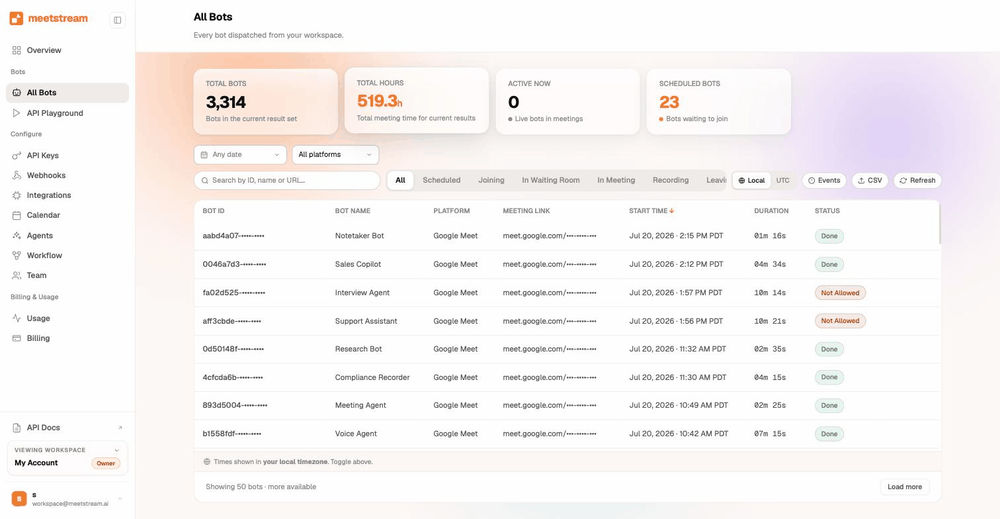
One integration for Teams, Zoom and Google Meet
The same request, the same webhook, the same files. Only the link changes.
- One API for all three platformsMeetStream reads the platform from the link.
- Calendar-driven joinsConnect Outlook and bots are booked ahead.
- Webhooks, not pollingEvery lifecycle event arrives on your endpoint.
- Bring your own storageWrite every file into your own S3 bucket.
Send a bot into a Teams call
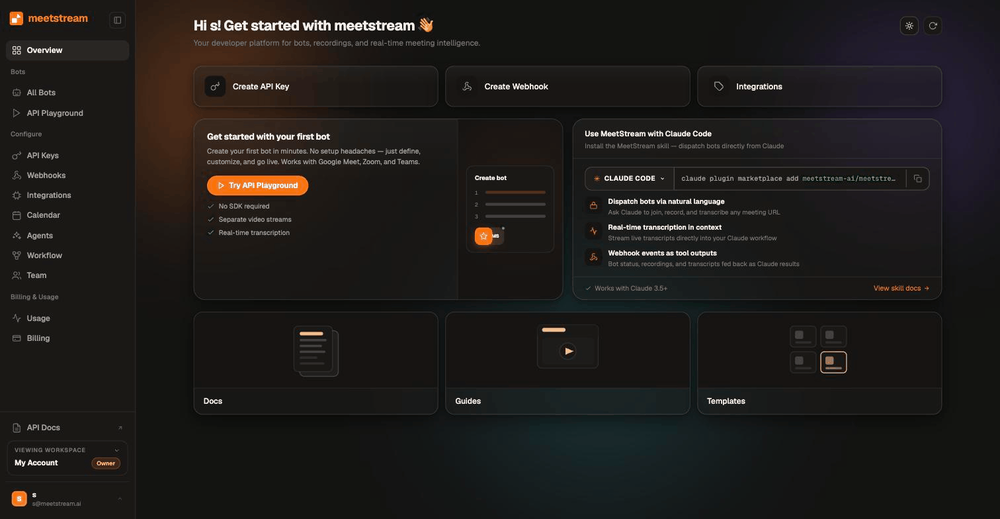
One request, no Azure subscription required. The bot joins, records, and fires a webhook at the end.
curl -X POST https://api.meetstream.ai/api/v1/bots/create_bot \
  -H "Authorization: Token $MEETSTREAM_API_KEY" \
  -H "Content-Type: application/json" \
  -d '{
    "meeting_link": "https://teams.microsoft.com/l/meetup-join/19%3ameeting_NTk0...",
    "bot_name": "Acme Notetaker",
    "recording_config": { "transcript": { "provider": { "meetstream": {} } } },
    "callback_url": "https://your-app.example.com/meetstream"
  }'
Microsoft Teams bot API pricing
A bot costs $0.35 per bot-hour. Transcription adds $0.10, and the rate falls toward $0.25 at volume.
Thirty days of storage is included. The pricing page has the full breakdown, and the Recall.ai comparison sets out the differences.
Enterprise-level security, keep your data private.
The certificate, the audit status and the Trust Center are all on the security page.
MeetStream is ISO 27001 certified, with SOC 2 Type 2 under audit.
MeetStream is GDPR compliant, and bots run in the United States by default.
The bot waits, and your app gets the event either way.



Teams bot limits and defaults
Ask for a longer session on the create request, and the create bot reference names the field.
Got a question? We got the answer.
Common questions about Teams bots. How they join, what comes back, and what it costs.
Can you record a Teams meeting without being the host?
Teams recording is not organizer-only by default. Any suitably licensed user with the policy enabled can record. Native recording stays with those licensed users. A bot records what it receives as a participant, once an organiser admits it.
Why does my Teams bot end up in the lobby?
Because that is the default. The ExternalBotAccessMode policy defaults to RequireApprovalWhenDetected. That sends external bots to the lobby, whatever the meeting's own lobby setting says. Build for it and every join stays predictable.
Does Microsoft Teams detect meeting bots?
Yes. Microsoft documents built-in detection that spots external AI bots during the join. It uses infrastructural and behavioural signals, and warns organizers before they admit one. Microsoft notes that coverage varies by bot.
Do I need C# and Azure to build a Teams recording bot?
If you build on Microsoft Graph directly, effectively yes. Microsoft states the bot must be written in C# and deployed on Windows Server in Azure, and real-time media runs through the C# API. A bot API gives you the same result from one request.
How many concurrent Teams recordings can I run?
Through MeetStream there is no cap. Build it yourself on Graph and Microsoft notes a video-enabled bot may sustain one or two concurrent media sessions per CPU core, so you size that capacity yourself.
Can participants tell that a Teams meeting is being recorded?
Yes. Teams shows a recording notification banner to everyone in the call. Admins can set the consent message text and the privacy policy link. Tenants can also turn on explicit consent mode, which asks each participant to answer before the call goes on.
Where do Teams recordings normally go?
Native recordings land in the organizer's OneDrive, or in SharePoint for channel meetings. They expire after 120 days by default. A MeetStream recording goes wherever you point it, including straight into your own S3 bucket.
Can I get per-participant audio from Teams?
Yes. The bot returns each participant's audio and video as its own feed. Turn both on with audio_separate_streams and video_separate_streams when you create the bot.
Does this need tenant admin approval?
Admission depends on the tenant's bot and lobby policies. External bots go to the lobby by default. So the smoothest path is usually an organizer admitting the bot. A policy change can come later if the customer wants it automatic. The relevant setting is the meeting policy's ExternalBotAccessMode, changed by an admin with Set-CsTeamsMeetingPolicy.
What does a Teams meeting bot cost?
$0.35 per bot-hour for recording, $0.45 per hour with transcription, dropping toward $0.25 at volume. Thirty days of storage is included and every account starts with $5 of free credit.
Teams recording without the C# bot and the Windows box.
Microsoft’s route needs a registered app, a C# bot and Azure Windows servers. One request replaces all of it.
Put a bot in your next Microsoft Teams call
$5 of free credit, self-serve API keys, and no sales call between you and your first recording.