Grok Bot vs Claude Meetings
Grok Bot vs Claude Meetings: two AI teammates that started joining video calls in November 2026. Here is how they compare, where each one fits, and what to use when the agent belongs in your own product.
Two workspace agents in one month
xAI announced meetings for Grok Bot on 2 November 2026 and opened them wider on 13 November. Claude Meetings arrived on 12 November. Both live inside a workspace you already pay for. Both take notes and answer in writing. Neither offers an API for putting the agent inside a product.

Meet, Zoom and Teams. Answers in the meeting chat when named.
Google Meet. Builds docs and whiteboards during the call.
Workspace features with no developer API for meetings.
The agent inside your product, on the model you choose.
Grok Bot, Claude Meetings and MeetStream compared
Seven rows decide most choices. Read across from the one that matters to you.
| Grok Bot | Claude Meetings | MeetStream | |
|---|---|---|---|
| Platforms | Google Meet, Zoom, Microsoft Teams | Google Meet; others announced | Zoom, Google Meet, Microsoft Teams |
| How it answers | In the meeting chat when named | In writing by default | Voice, chat or silent tool actions |
| Who can use it | Super, Ultra, Team and Enterprise plans | Team and Enterprise plans, in beta | Any product, through one API |
| Model | Grok | Claude | OpenAI, Anthropic, Google or xAI |
| Context per meeting | Workspace memory and earlier chats | Each person's connected tools | You load and limit it per bot |
| API for developers | None published for meetings | None published | REST, webhooks, WebSocket and MCP |
| Where output lands | The Bot's chat and Pages | A page in claude.ai | Your own systems and storage |
Grok Bot and Claude Meetings rows from xAI and Anthropic launch notes, read 13 November 2026.
Neither workspace agent speaks in the call by default
Grok Bot answers in the meeting chat and Claude Meetings answers in writing. A MeetStream agent can answer out loud, in the chat, or stay silent and act.
- Spoken replies in the call
- Chat replies when that fits
- Silent actions through tools
- Grok, Claude, GPT or Gemini
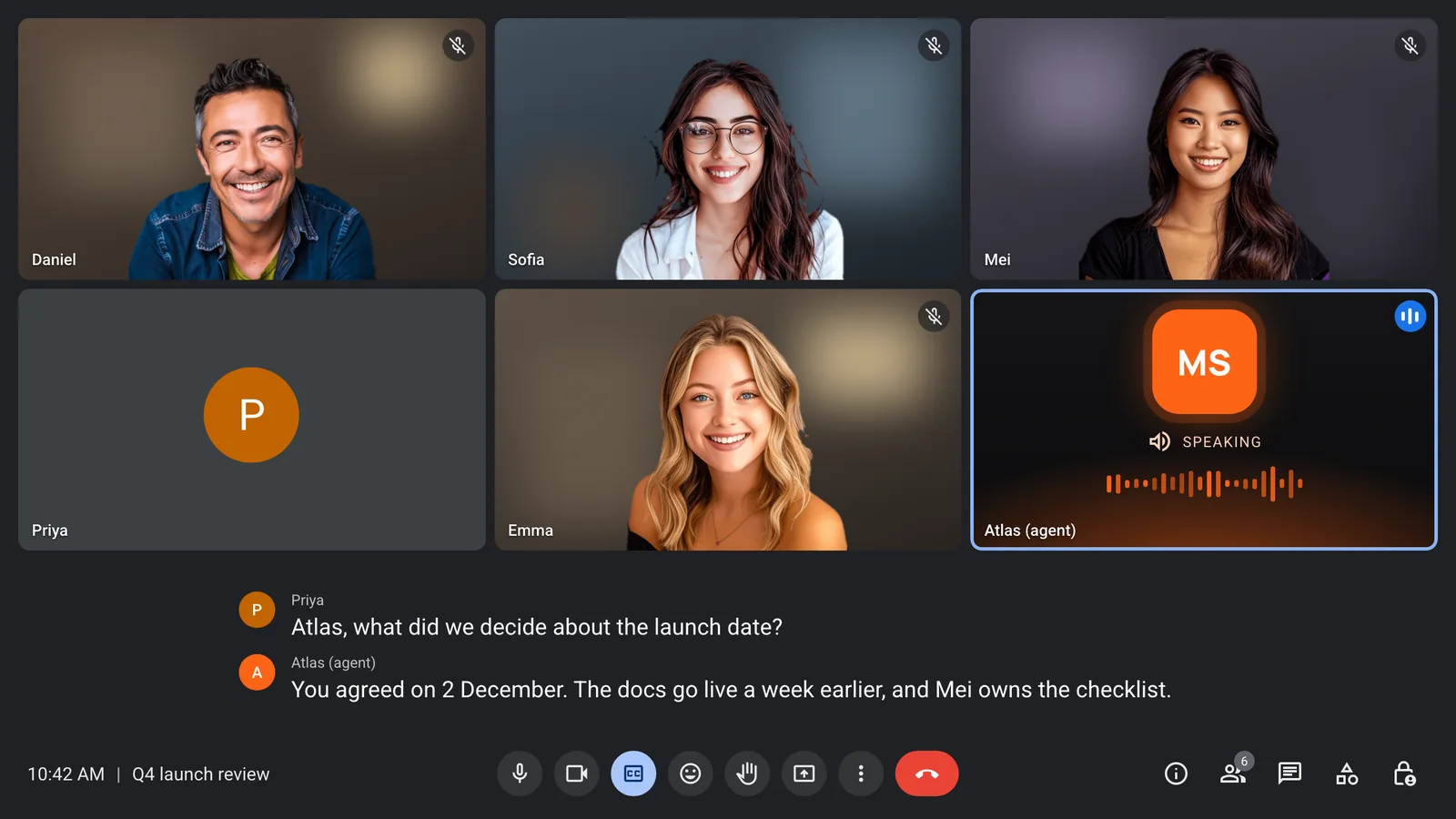
Load the right context for each call
Workspace agents bring what your workspace knows. With MeetStream you pass each meeting its own notes, agenda and tickets when you send the bot.
- Context set per bot
- A different agent per meeting
- Prompt changes during the call
- Live data from your own endpoints
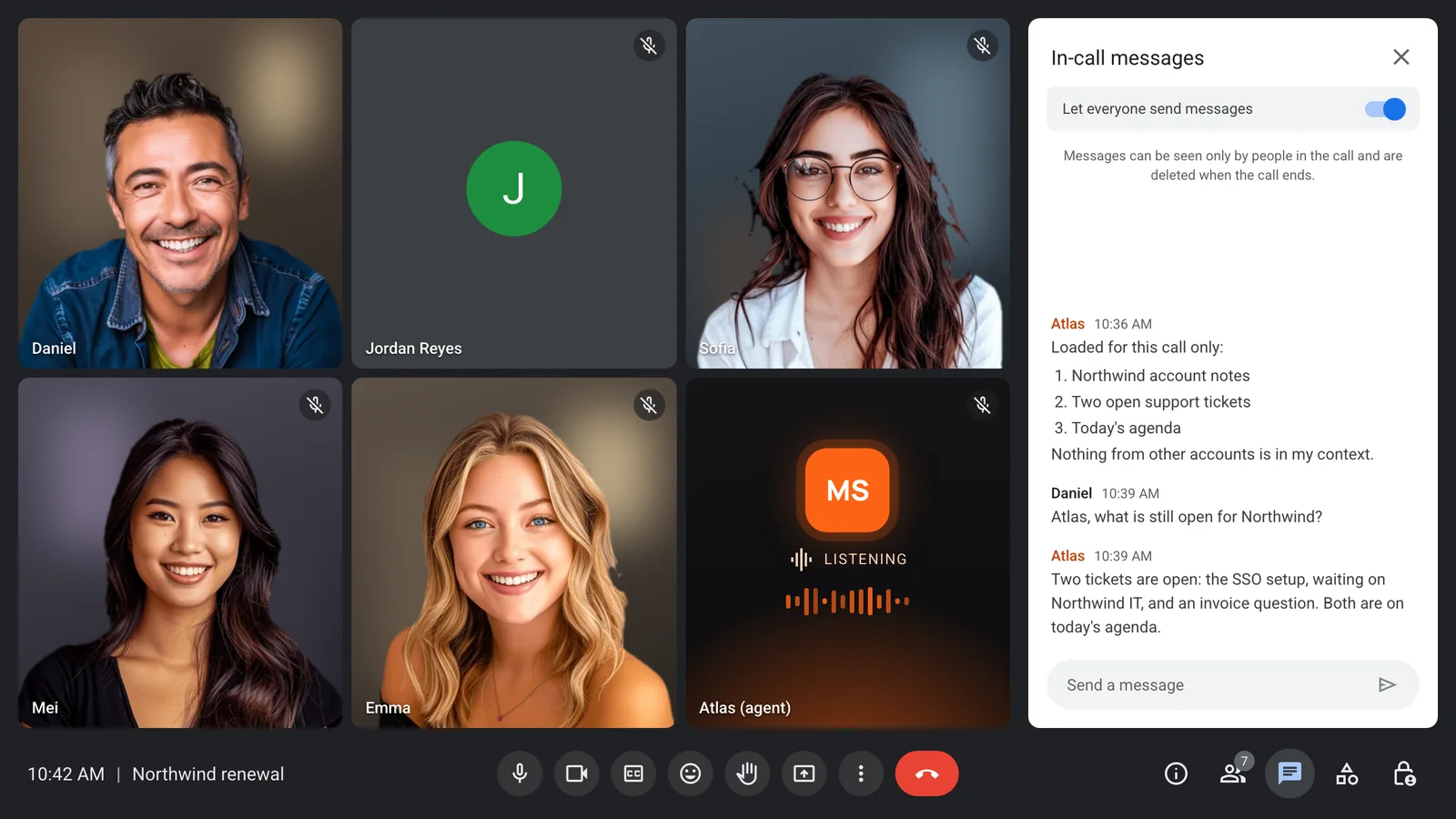
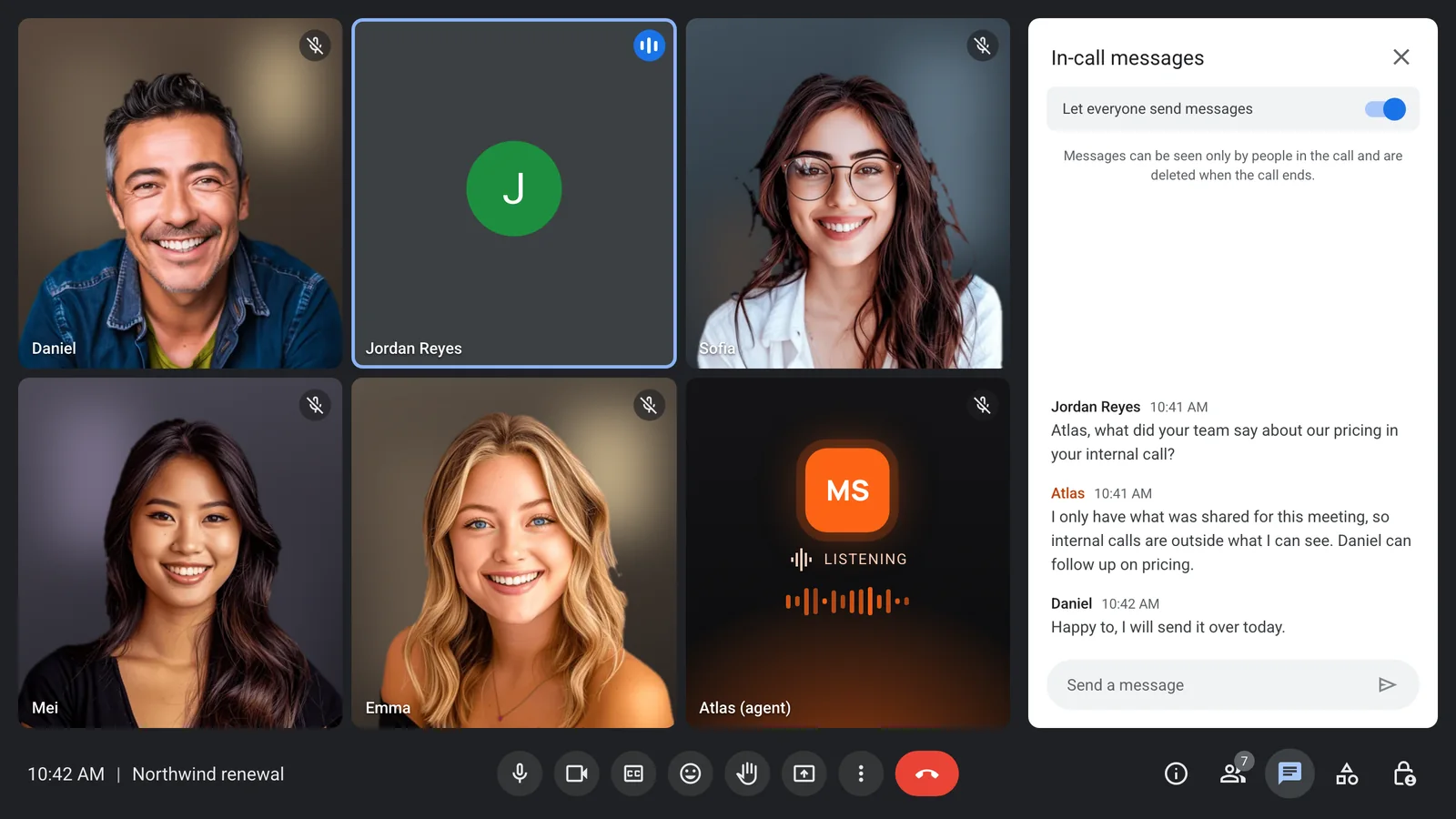
Keep everything else out
An outside guest can only reach what you gave that meeting. Tools are limited to an allow-list, and each function uses its own narrow token.
- Only this meeting in context
- Allow-listed tools only
- Owner and guest roles
- Retention set per bot
Pick by where the agent should live
If your team wants notes in its own calls and already pays for one of these workspaces, use it. If the agent is part of a product other people use, you need infrastructure.
- Grok Bot for Grok workspaces on any of the three platforms
- Claude Meetings for Claude teams on Google Meet
- MeetStream for agents inside your own product
- MeetStream when you need voice or your own model
Enterprise-level security, keep your data private.
The certificate, the audit status and the Trust Center are all on the security page.
Keep recordings with MeetStream, or write them straight to your own storage bucket.
Support on Slack, email and chat, with a response inside one working day.
Concurrent bots scale on their own. There is no cluster for you to run.


Got a question? We got the answer.
Common questions about Grok Bot, Claude Meetings and building your own agent.
Is Grok Bot better than Claude Meetings?
It depends on your platform and workspace. As of 13 November 2026, Grok Bot joins Google Meet, Zoom and Microsoft Teams and answers in the meeting chat. Claude Meetings runs on Google Meet and builds docs and whiteboards during the call.
Can Grok Bot or Claude Meetings speak in a meeting?
Grok Bot answers in the meeting chat, and Claude Meetings answers in writing by default. A MeetStream agent can speak, post in the chat, or act silently, and can run on Grok or Claude.
Which one uses more tokens?
Neither vendor publishes usage per meeting. Usage grows with call length, how often the agent answers and how much context it reads on each turn, so the same settings matter whichever you choose.
Do Grok Bot and Claude Meetings have an API?
Neither has published an API for meetings. To put a meeting agent inside your own product, use meeting infrastructure such as MeetStream, which joins all three platforms from one request.
Can I control what the agent knows in each meeting?
With MeetStream, yes. You fill the prompt with that meeting's context when you send the bot, pick the agent and tools per meeting, and change the prompt during the call.
Put your own agent in the call
Zoom, Google Meet and Microsoft Teams, on the model you choose.